Stop losing time to missing parts and fittings. partSmart gives engineers and the office a live view of van stock, job materials and purchase orders, so low stock is spotted and reordered before it can hold up a job. Know what you have. Order what you need. Keep every job moving.

None of this is clever. It’s the ordinary cost of not knowing what’s in the van, taken out of the day.
Every van and warehouse part is counted and every part has a minimum, so you order before you run out — no more mid-job trips to the suppliers.
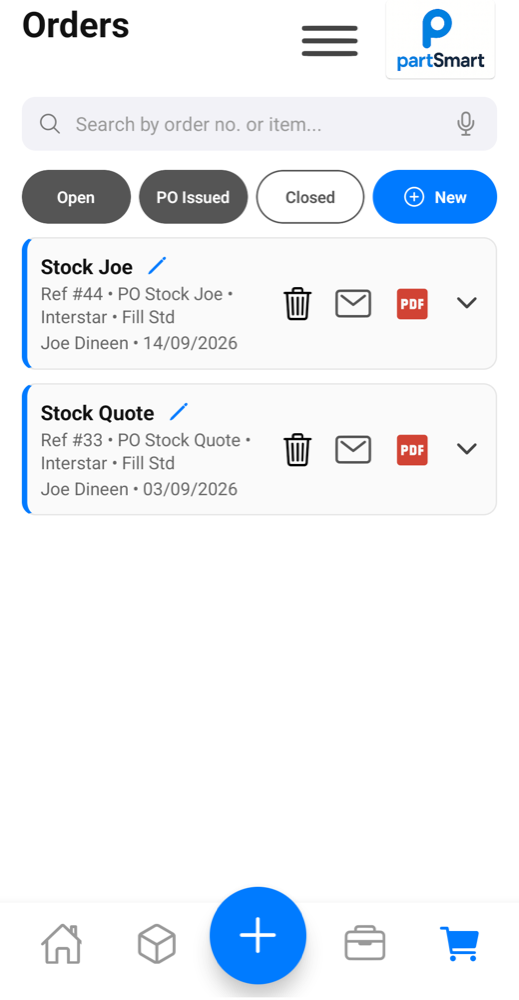
Purchase orders reach the merchant as PDFs. They pick and pack; you collect. No queueing and waiting while they get your order together.
Every order gets a clear, numbered PO showing exactly what was requested. When the delivery arrives, check it against the original order — no guesswork, no relying on memory.
Stock is tracked for each van. If you don’t have the part, you can check whether a colleague does — if they’re closer, that’s another trip to the supplier saved.
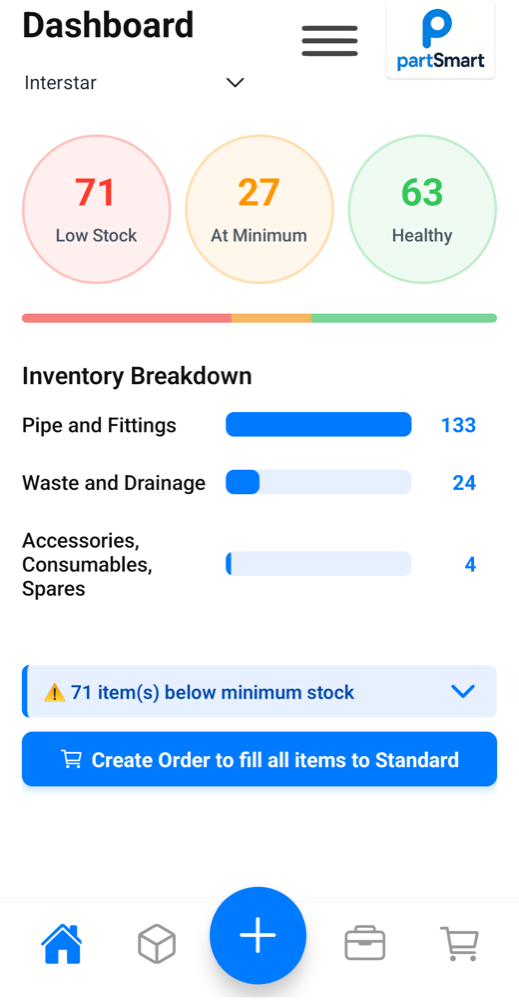
Materials are recorded for each job, so when it comes time to invoice, everything is billed for and nothing gets forgotten and given away.
Pull stock reports that show what each location should hold; intermittent stock takes show where stock has gone unaccounted for.
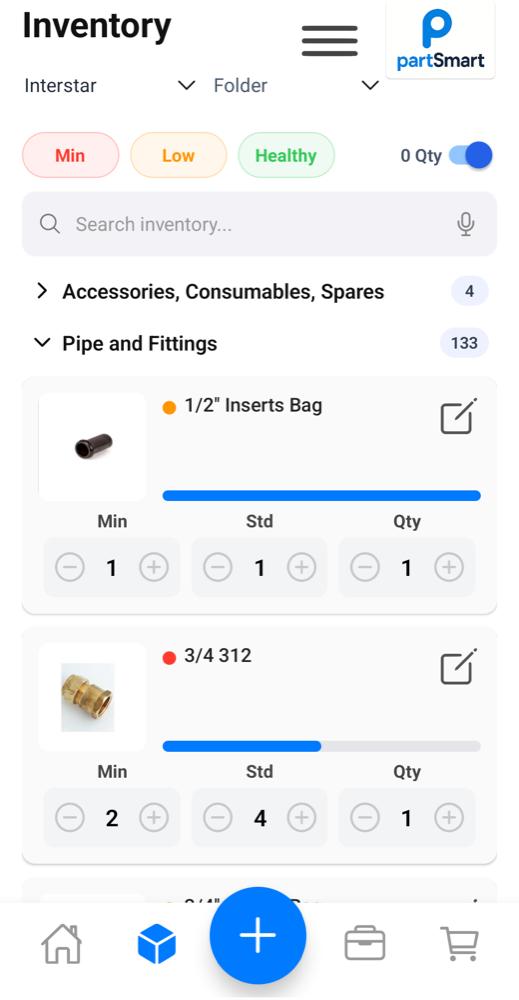
Stock fails when nobody knows what “low” means. partSmart keeps it simple with three numbers on every part, and works everything else out from them.
The live stock level for that part in each van. Adjusted automatically as parts are used on a job or bought through a PO.
The level that decides whether a part reads as Min, Low or Healthy. Set it once per van/location and forget.
The level you want stock restored to after an order. Order to “fill to Std” and every part tops back up to this number.
Parts get fitted and forgotten. partSmart records them where the work happens — by voice if hands are full — and knocks the stock off the van right there and then.
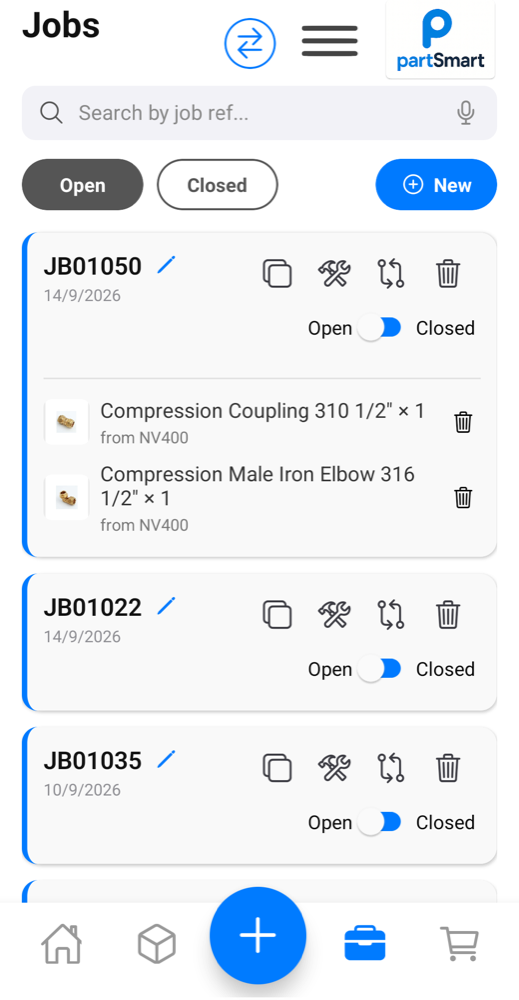
The dashboard knows and highlights what’s below minimum. Turn that into a purchase order, split it by different suppliers as needed, and send it as a proper PDF — without leaving the app.
A stock app that needs four bars is a stock app nobody updates. partSmart takes the change the moment you make it and holds onto it until there’s signal to send it.
Not a stock list bolted onto a spreadsheet — the parts, the people and the paperwork in one place.
Stock health at a glance, filtered by location, with replenishment orders one tap away.
Search, adjust and allocate stock across every van and store, with photos to confirm the part.
Say what you used. No typing on a phone with wet hands in the back of a van.
Schedule, status, recorded materials and hours, all on the job record.
Per-supplier POs as PDFs, emailed in your company’s name and tracked to fulfilment.
Draft, edit line items and tax, then send to the client and keep the PDF on file.
Hours by person, date and job, with totals for review at the end of the week.
Merchant and customer records, with a default supplier per part to speed up ordering.
Create locations, assign who sees which van(s), and control who can move stock.
Big targets, plain language and no menus to hunt through — designed for easy use on the go and under pressure.
Available on
We’ll set up your locations and vans with a starting parts list, and show you the whole loop — van to job to purchase order — with your own data.